Ready or Not's Mission Editor Is the Best Free Training Tool SWAT Units Aren't Using
Ready or Not's free Mission Editor lets units tune suspects, civilians, traps and health, then share the scenario as a cross-platform code. Here's how to use it.
Nov 19, 2026
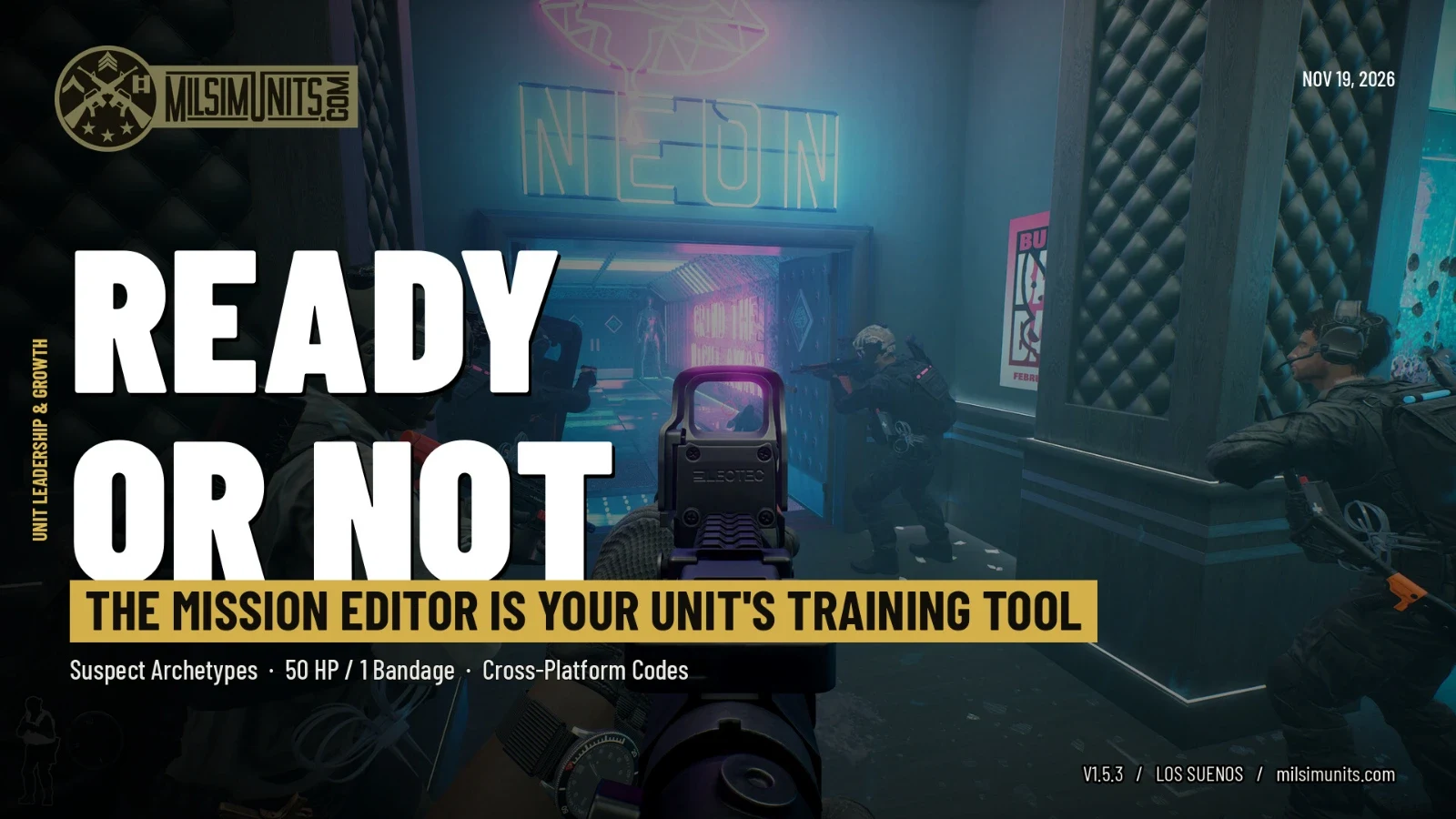
Most Ready or Not teams run the same handful of levels on Hard until everyone knows exactly where the guy behind the bar is going to be. That's fine for a Friday night. It's terrible practice. You stop clearing rooms and start reciting them.
VOID Interactive handed units a fix for that back in September, and a lot of teams still haven't touched it. The Mission Editor arrived free in the v1.5 update on September 3 on PC, PS5 and Xbox Series X|S. It lets you go "behind the scenes" of a mission and change who's in the building, how they behave, and how much punishment your own team can take.
What you can actually change
The editor doesn't build new maps. It works on the levels you already own, and that's exactly why it's useful for a unit: everyone knows the geometry, so the variable becomes the people inside it.
On the suspect side you can set how many there are, their health, reaction times, perception, what they're carrying and how many go for melee. You can even borrow suspect appearances from other missions, voice lines included. The big one is behavior archetypes. VOID's Mission Editor overview trailer shows options like cowardly, irrational, active shooter and tactical, and a building full of tactical suspects plays nothing like one full of people who panic and hide under the furniture.
Civilians get the same treatment minus the combat stats. You can make them more or less compliant, or use the prisoner archetype so they're already restrained when you breach, which is a quick way to set up a hostage-style problem. You also control how many suspects are wearing bomb vests.
Then there's your side. Player health and the maximum number of bandages are both adjustable, so you can run a level where one round that beats your armor ends your night and one bleed is all you get to stop. SWAT AI settings cover reaction time and how much morale damage your officers do just by yelling commands, kicking doors and throwing gear. Around the edges, you can tweak bomb timers, door trap types, the share of locked and open doors, default spawns and the chance a suspect takes his own life.
Open doors are a sneaky one. Crank that percentage up and suspects suddenly have long sightlines through a level you thought you knew.
VOID summed up the range in its Vol. 90 development briefing: "From swapping appearance of suspects of one level with another, giving all suspects knives or M249s, tweaking the behavior of civilians, to giving yourself only 50hp, there are countless new ways to engage with missions with this feature."
Why it matters for a unit
The best part isn't any single slider. It's that a finished scenario can be saved and shared as a code, and that code works no matter which platform you play on. One person builds a setup, drops the code in Discord, and the whole team, PC and console, is running the identical problem that night.
That changes how a unit can practice without turning it into homework. Your element lead can take a level everyone has memorized and swap in a different suspect population so the old habits stop working. A new recruit can run a gentle version with cowardly suspects and compliant civilians before getting thrown into the real thing. Your veterans can try the 50 HP, one-bandage version and find out how good their stacking really is. And because the code doesn't change, you can run the same scenario next month and actually compare.
One limit worth knowing: every base game and DLC level shows up in the editor, but VOID's press release notes you need to own a DLC to set up an edited version of its missions. If half your roster skipped a pack, build your shared scenarios on base game levels.
It's gotten better since launch
Launch had rough edges, and VOID has been sanding them down. The v1.5.3 patch on October 13 fixed the editor's Damage Cap and Suspect Fire Rate settings not saving, bomber suspects who couldn't fire, the Active Shooter archetype showing up after you'd switched it off, door traps that wouldn't fully clear at zero, and a host and client softlock in the editor menus. It also made the Station's firing range reachable from the Mission Editor version of the hub. MP1st has the full notes if you want every line.
VOID has been upfront that this is version one. The Vol. 90 briefing called it "our initial introduction launch for the Mission Editor feature" and told players to "be on the lookout for improvements to Mission Editor in the future." If there's something you wish it did, now is a good time to tell them.
In the meantime the game keeps getting small extras. The free Aftermath Set, a shirt, pants and watch, landed on Steam on November 3.
If your team has been running the same five levels on autopilot, build one ugly scenario this week and share the code. You'll learn more from one surprise than from fifty clean runs of a level you've already solved.
Looking for a team to run it with? You can find Ready or Not units on MilSim Units.
Comments (0)
Sign in to join the discussion.
Be the first to comment.